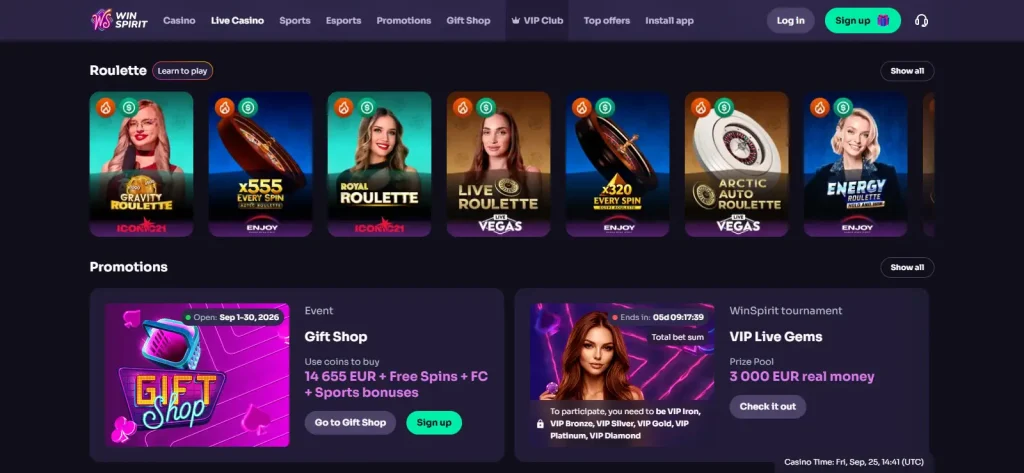
WinSpirit Mobile App: PWA Installation and Browser Play
 Available in AU
Contents
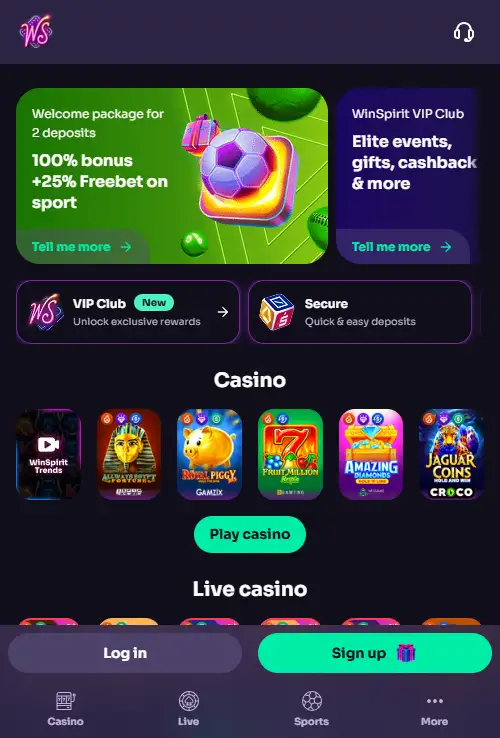
WinSpirit on a phone
WinSpirit supports mobile access through a phone browser and currently promotes a Progressive Web App, or PWA, that is installed from the browser rather than from a conventional app store. That is what “WinSpirit app” means in the verified product evidence used for this guide. A current official iOS App Store or Google Play listing for the real-money WinSpirit casino has not been verified, so this page does not describe a native store app.
The practical choice is therefore between using the responsive website in Safari or Chrome and adding the browser-installed PWA to the home screen for quicker access. Both routes still depend on the live WinSpirit web service, account status and current game availability.
Before installing the progressive web app on your iOS or Android device, set up your player profile using our WinSpirit registration and account guide.
games on WinSpiritaccount accessMobile browser Verified The casino is available through a phone-sized browser interface. PWA Verified The official site surfaces a browser installation flow for an app-like home-screen shortcut. Native store app Not verified No brand-owned App Store or Google Play release is claimed. Interface language English available The current official site includes an English interface.
Resolve the app question first
Progressive Web App Setup, Android Access and iOS Compatibility
A Progressive Web App uses web technology but can be added to a phone’s home screen so it opens in a more app-like window. WinSpirit’s current official site includes an app logo and browser installation prompt, which supports describing the current mobile product as a PWA.
This matters because search results for “WinSpirit app” can surface unrelated or third-party mobile products with similar names. A matching name in an app store is not enough to prove that the casino operator published it. For that reason, this guide only treats the browser-based PWA flow as verified.
If you do not want to install anything, the mobile website remains the simpler route: open the official site in the browser and use the responsive interface directly.
Plain-language definition: a PWA is the WinSpirit website packaged for easier home-screen access. It is not evidence of a separate native iPhone or Android casino application.
The distinction also affects updates. A PWA draws its interface from the live web service, so users normally do not manage a separate app-store update package. Changes to the site can appear through the same browser-delivered experience.
Three mobile labels
Browser site, PWA and native app are not interchangeable terms
| Mobile format | How it opens | What it means for WinSpirit |
|---|---|---|
| Responsive mobile website | Open the official site in Safari, Chrome or another supported browser. | Verified. No installation is required and the interface adapts to a smaller screen. |
| Progressive Web App | Use the browser’s install or Add to Home Screen flow when the WinSpirit prompt is available. | Verified. It creates an app-like launch point while still relying on the web-delivered service. |
| Native App Store or Google Play app | Install a signed package from an official store listing published by the verified operator. | Not verified for the real-money WinSpirit casino in the current official sources, so no store download claim is made here. |
What installation changes
The PWA mainly changes how you launch WinSpirit, not the underlying account
Adding the PWA to a home screen gives you a direct icon and can remove some of the usual browser chrome when the service opens. It can feel closer to a conventional app because you do not need to find the site again in a tab or bookmark.
What it does not do is create a second casino account, a separate balance or a different payment system. The same WinSpirit account, login details, game catalogue and account controls remain tied to the web service. If a feature is unavailable to the account or country, installing the PWA does not change that underlying availability.
The PWA also should not be treated as an offline casino. Games, live tables, account data and payment actions depend on a network connection and the current WinSpirit service. Home-screen installation changes convenience, not the need to connect to the live platform.
Using games on mobile
Mobile access is useful only if the exact game interface works well on your screen
The WinSpirit game library contains multiple categories, and mobile suitability is a game-level question as much as a site-level one. A responsive lobby can be easy to navigate while a particular game has smaller controls, a landscape preference or a different layout on a phone.
For pokies and RNG games, check whether the title loads cleanly and whether essential controls remain readable. For the live casino, the video stream, betting controls and table information all compete for limited screen space, so it is worth opening the exact live table before deciding that mobile is your preferred format.
The broader WinSpirit games guide covers the catalogue itself. This page stays focused on how the mobile delivery model changes access rather than repeating the full game list.
Login and account tasks
The mobile interface still follows the same account flow
The official site provides an English interface and mobile access to account areas, so the basic pattern remains familiar: open the service, log in, move between the casino and account areas, and use the Cashbox or profile when those sections are available to the account.
A PWA shortcut can reduce the number of taps needed to return to the service, but it does not remove login or verification requirements. If WinSpirit asks for identity verification or payment-method checks, those account controls still apply regardless of whether the service was launched from a browser tab or a home-screen icon.
The dedicated WinSpirit account guide covers registration, login and account controls in more detail, including the verification steps that can affect what you can do from a phone.
Security check: use the verified official web address rather than trusting an app-store product solely because its title contains “WinSpirit” or similar wording.
Browser-first decision
When the PWA is useful and when the normal mobile site is enough
Use the browser if you want zero setup
For occasional access, opening the official site in a browser is the simplest approach. There is no home-screen install step, and you can decide later whether a shortcut would actually improve your routine.
Use the PWA if you return often
The home-screen icon can be convenient if you use WinSpirit regularly on the same device. It shortens the route back to the web service without requiring a separate app-store package.
Do not treat lookalike store apps as verified
Current store searches show multiple unrelated products using similar names. Unless a listing can be tied directly to the official operator, it should not be presented as the real WinSpirit casino app.
Practical PWA test
Test the browser version first, then install the PWA only if the shortcut adds value
Because the verified WinSpirit mobile route is web based, you can evaluate most of the experience before installing anything. Open the official site in the mobile browser you normally use, sign in only through the verified address, and check whether the sections you rely on are comfortable on that screen. If the browser version already gives you the access pattern you want, installation is optional rather than a requirement.
If you do add the PWA, compare the installed launch experience with the ordinary browser tab. The useful difference should be convenience: a direct home-screen icon and a more app-like launch path to the same WinSpirit service. The account, balance and available product areas should still be understood as the same web account, not as a second mobile product with separate rules.
For repeated use, test the tasks that matter to you rather than judging the PWA by the icon alone. Open the casino lobby, a game you actually use, the account area and the current cashier or verification section when available. For live casino, also check whether the stream and betting controls remain readable at your preferred phone orientation. These checks answer the practical mobile question without inventing claims about speed, data savings or native-app features that are not part of the verified evidence.
If a browser or device does not show the installation prompt, the mobile website remains the verified fallback. There is no need to treat an unrelated store listing with a similar name as the official casino app.
Sources checked
Current evidence used for the WinSpirit mobile delivery model
- WinSpirit official site – current mobile interface and browser PWA installation prompt
- WinSpirit official FAQ – English interface, account functions and current help navigation
Mobile terminology that matters
What “WinSpirit App” Means on an Australian Phone
In the verified current evidence, the clearest meaning is a browser-based WinSpirit experience with an installable PWA. You can use the site directly in a mobile browser or add the PWA to the home screen for quicker access. That installation does not create a different account, a separate game catalogue or a new payment environment.
Experience mobile-optimized pokies and real AUD payouts directly at WinSpirit Casino Australia.
No native App Store or Google Play casino release is claimed here because a brand-owned store listing was not verified. Start with the official web service, then use the game library, live casino guide and account guide for the task you actually want to complete on mobile.
For broader context, see WinSpirit Australia review.
This material was created by the WinSpirit Australia Guide team.
Related posts
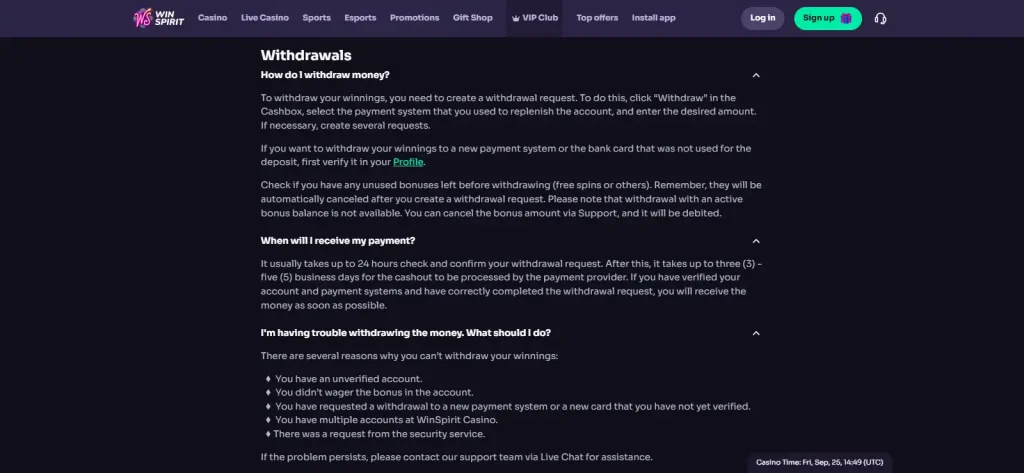
WinSpirit Cashout Times, Payout Limits and Withdrawal Checks
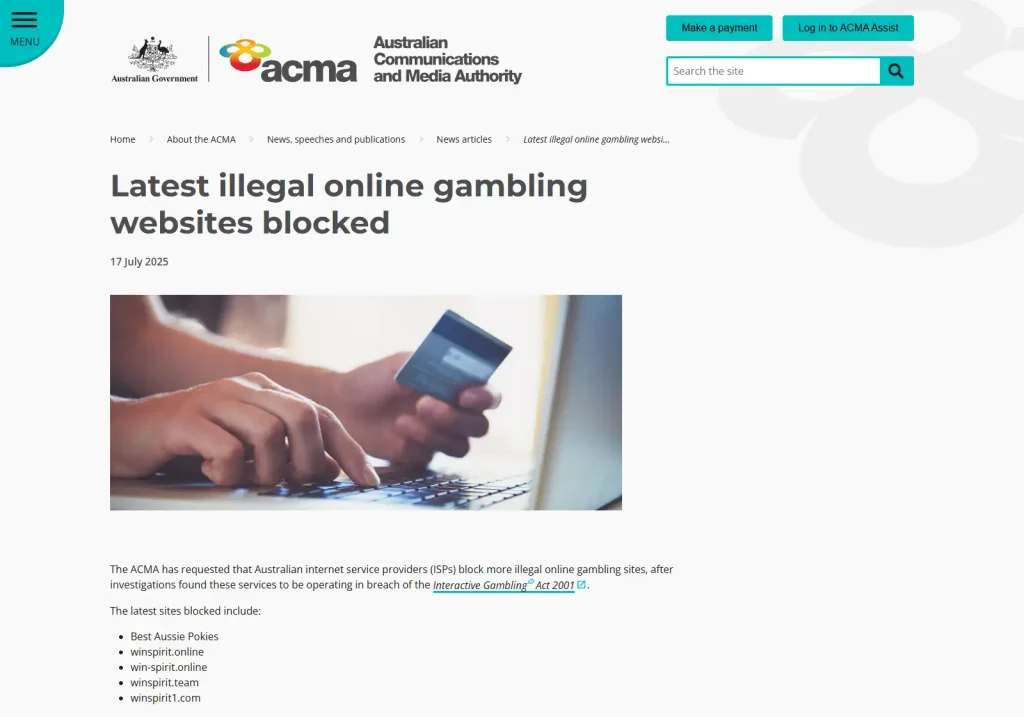
Australian Online Casino Legislation and WinSpirit Legal Status